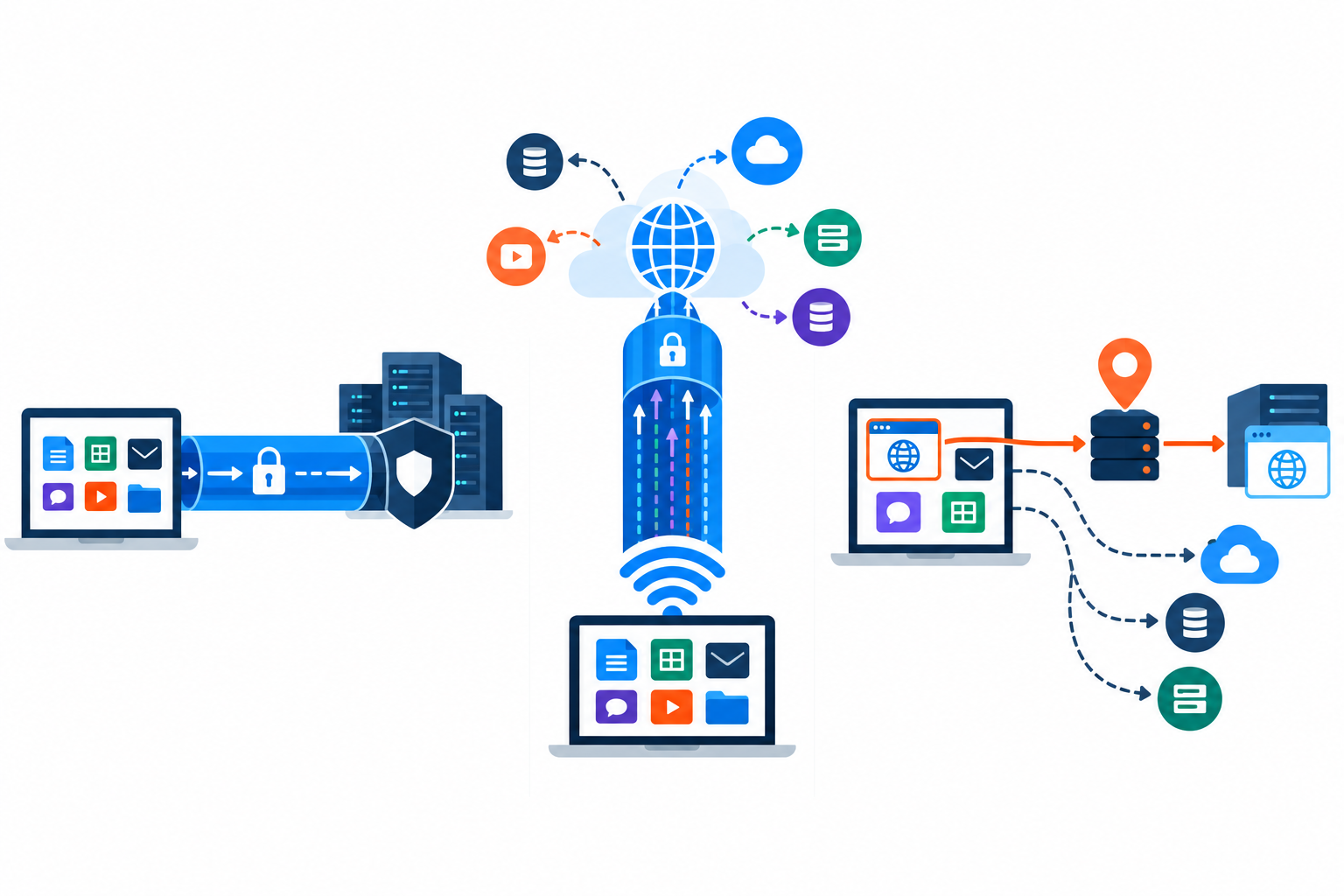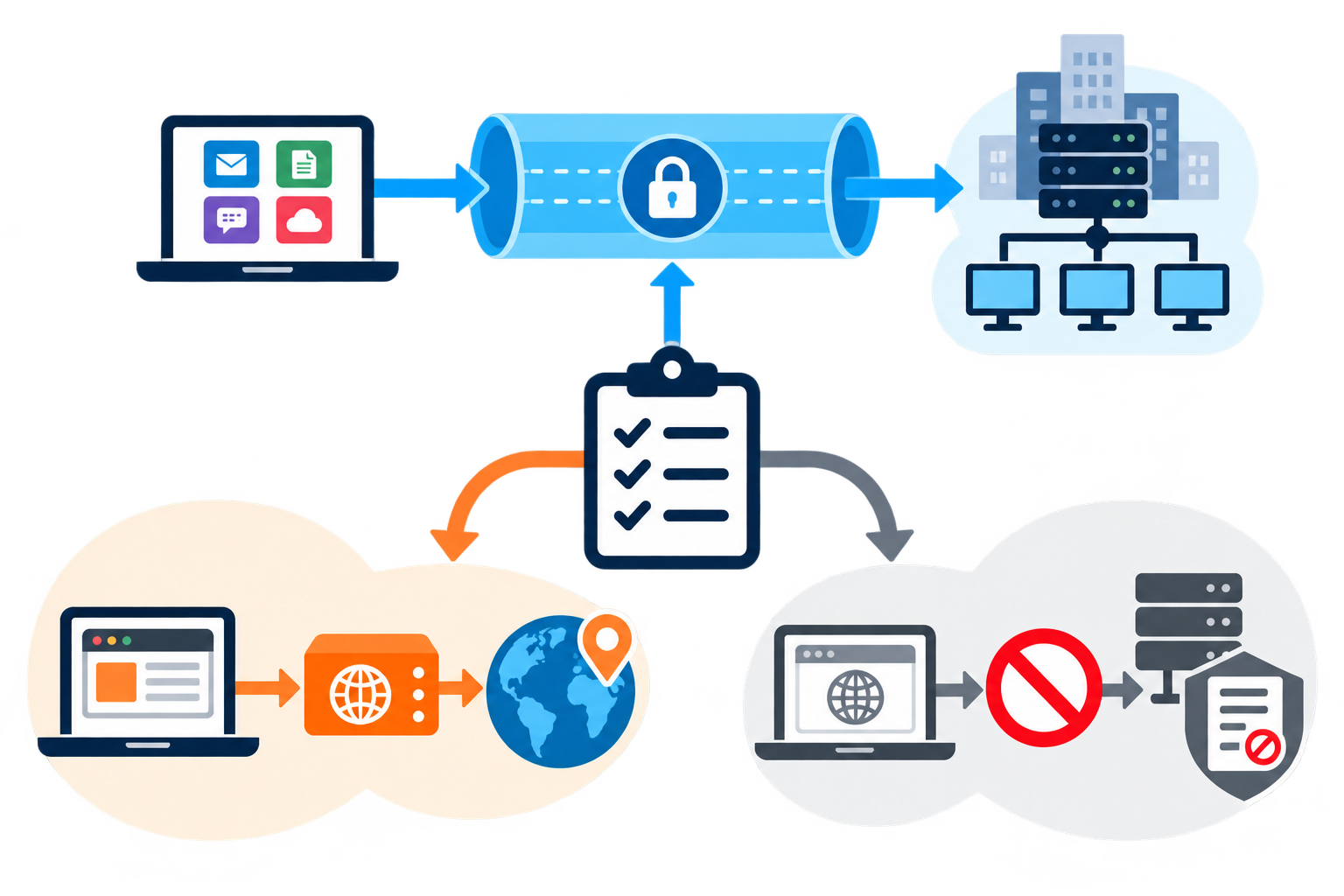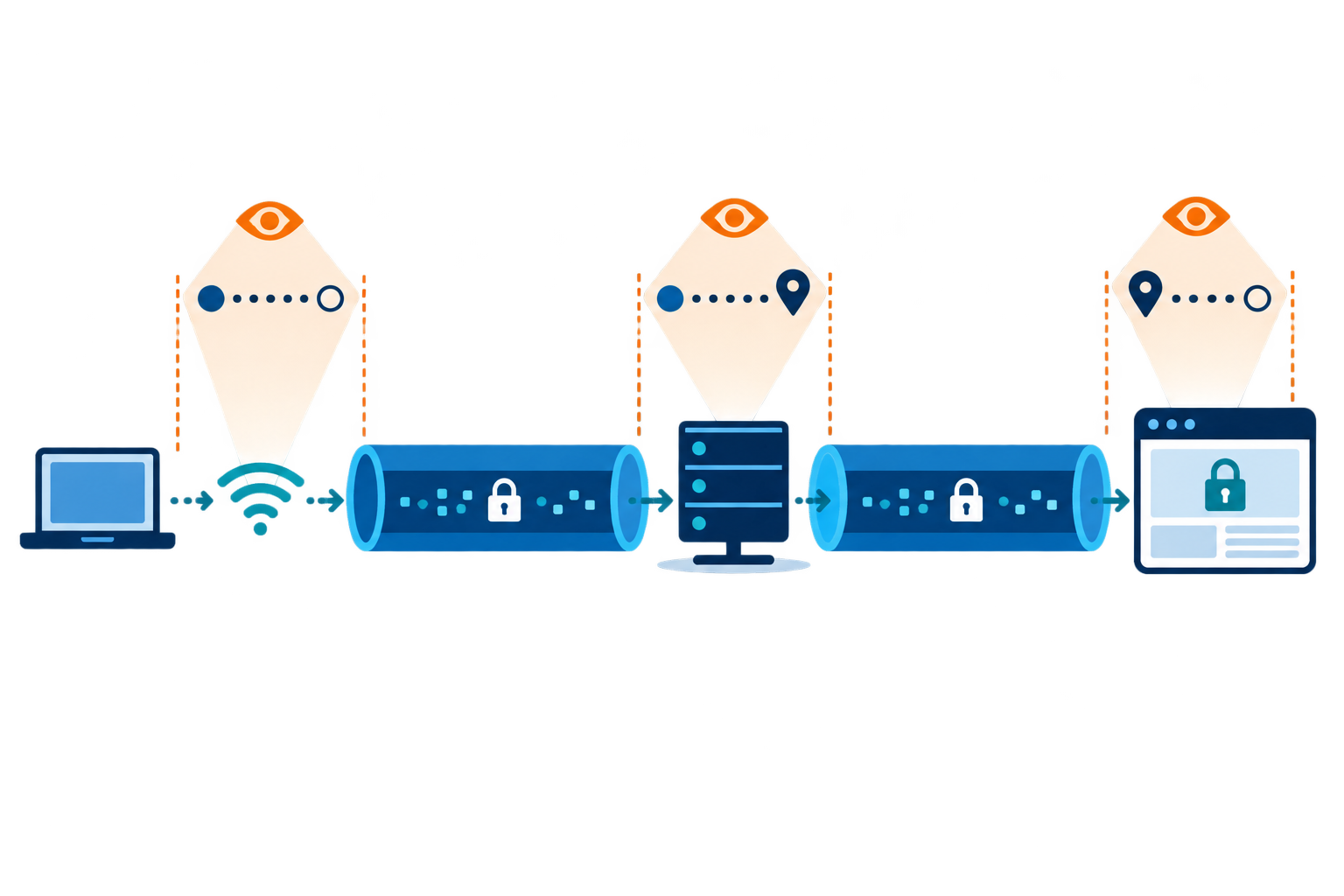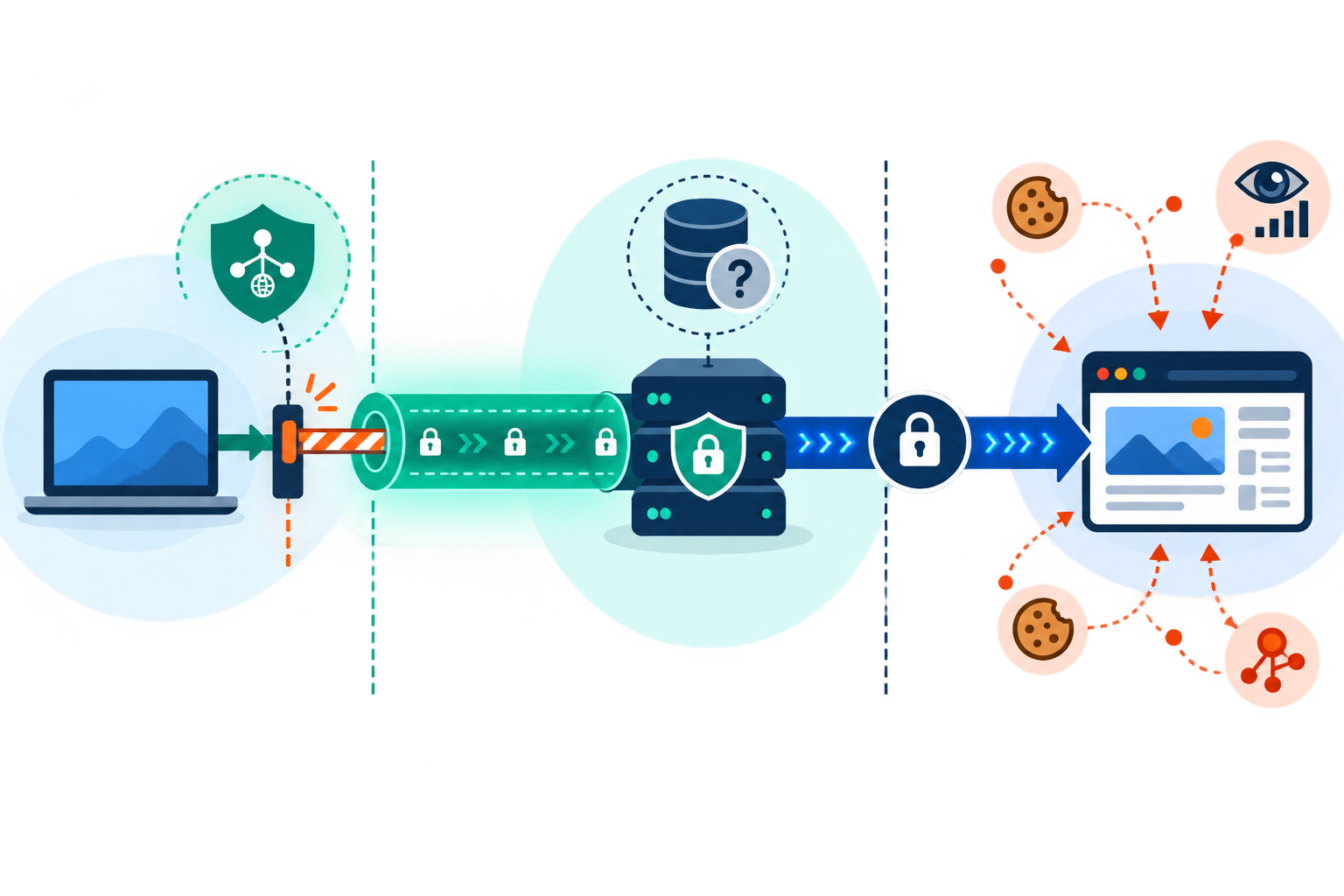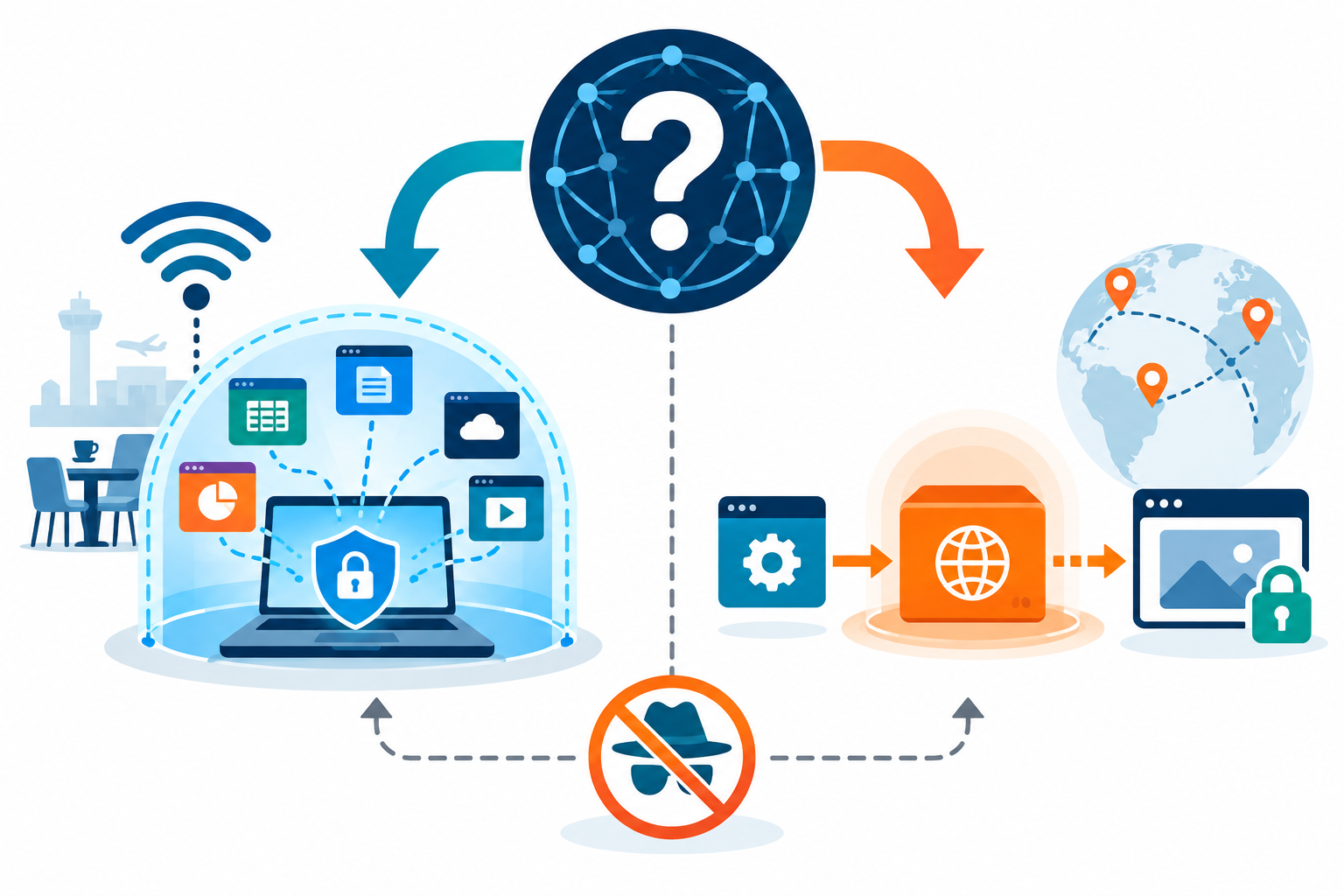
VPN and proxy routes can differ in speed, latency, and cost.
VPN proxy speed depends on more than whether you use a VPN or proxy. A longer route, busy server, encryption, and the website or app can all affect response time. A proxy may be quicker for one small task, while a well-run VPN can still feel fast. When comparing VPN proxy speed, test the same apps and websites you use before paying. For the privacy side of this trade-off, see our guide to VPN privacy and security.
What Affects VPN Proxy Speed and Performance?
Latency is the time data takes to travel and return. A faraway server or a busy network can add delay. Throughput is how much data can move in a given time; your internet plan, server, and destination can all limit it. A fast download test alone will not tell you how smooth a video call or game will feel.
Quick Summary
- VPN proxy speed depends on server distance and load, route length, encryption, and the task; a proxy is not automatically faster than a VPN.
- Compare latency (delay), throughput (data moved), reliability, location coverage, encryption, and total cost instead of judging by one speed-test number.
- Test a baseline and then each service on the same device, network, destination, and time. Repeat and compare latency, downloads, uploads, and stability for the apps you use.
- A proxy may suit controlled routing for one app; a VPN may provide broader encrypted coverage, with possible extra delay. Test DNS/IP leaks and reliability.
- A VPN router can cover compatible TVs or consoles, but needs supported hardware and enough processing power; all connected devices share the connection.
- Slowdowns may come from Wi-Fi, ISP routes, data caps, or traffic management. A VPN cannot create bandwidth, and regional servers or blocks can affect results.
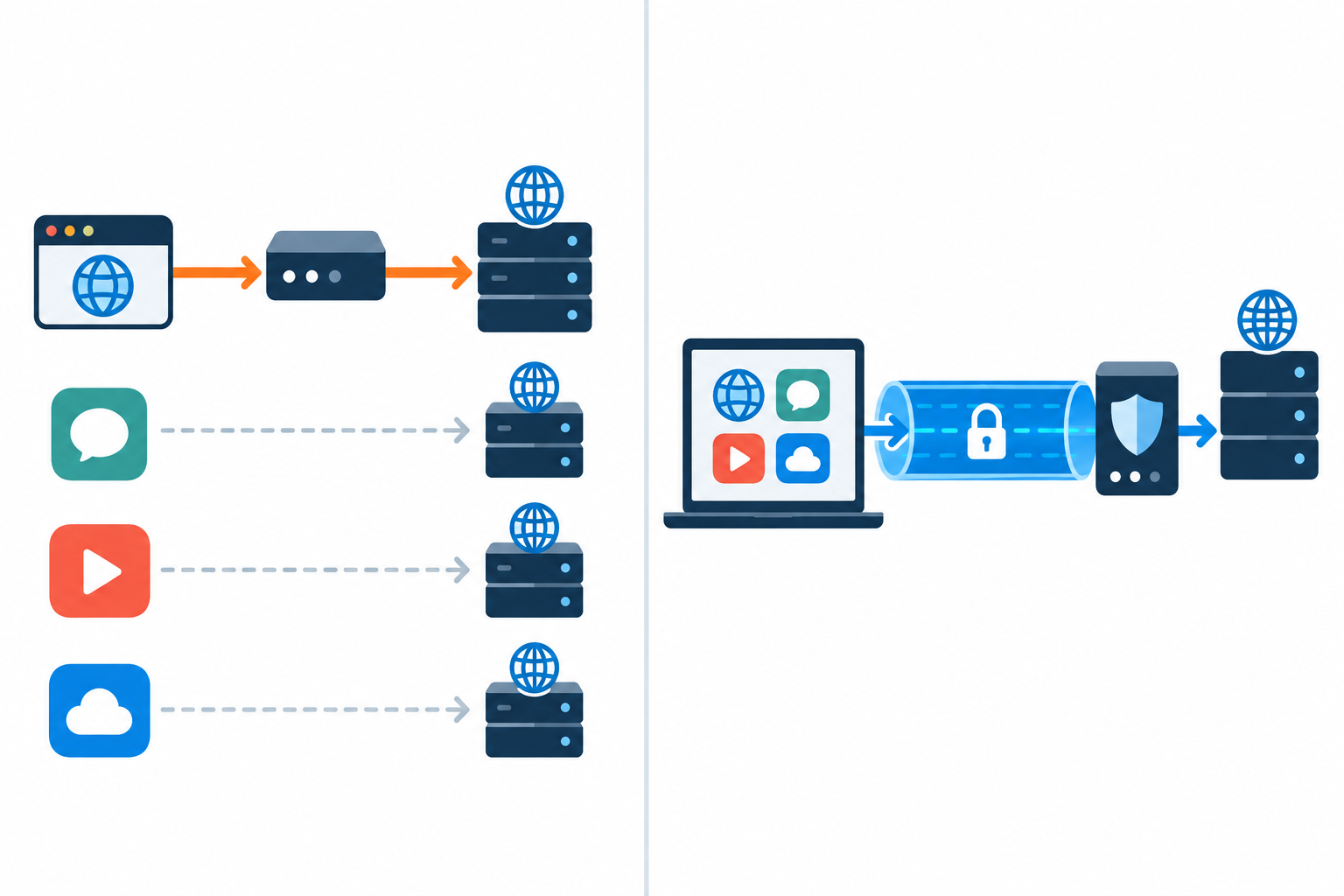
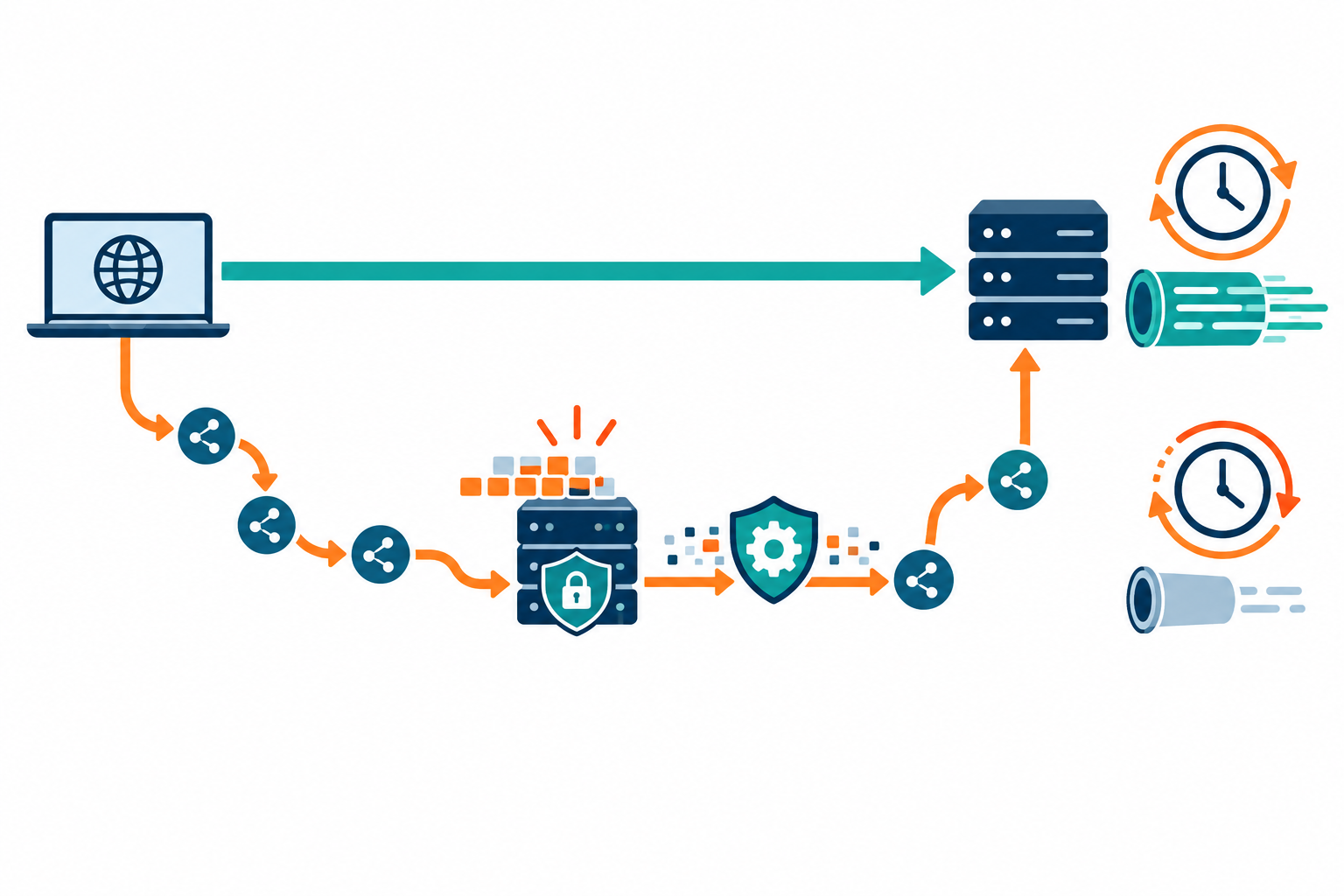
A VPN encrypts traffic and sends it through a tunnel. That can add a little processing and travel time; a busy or faraway server can add more delay. A proxy may skip some encryption work, but its capacity and route matter too. Results depend on your device, location, time, and task. Cloudflare’s overview of VPN speed explains how added distance and server load can affect response time.
For a fair test, use the same device and destination, and repeat at different times.
Six Trade-Offs to Compare
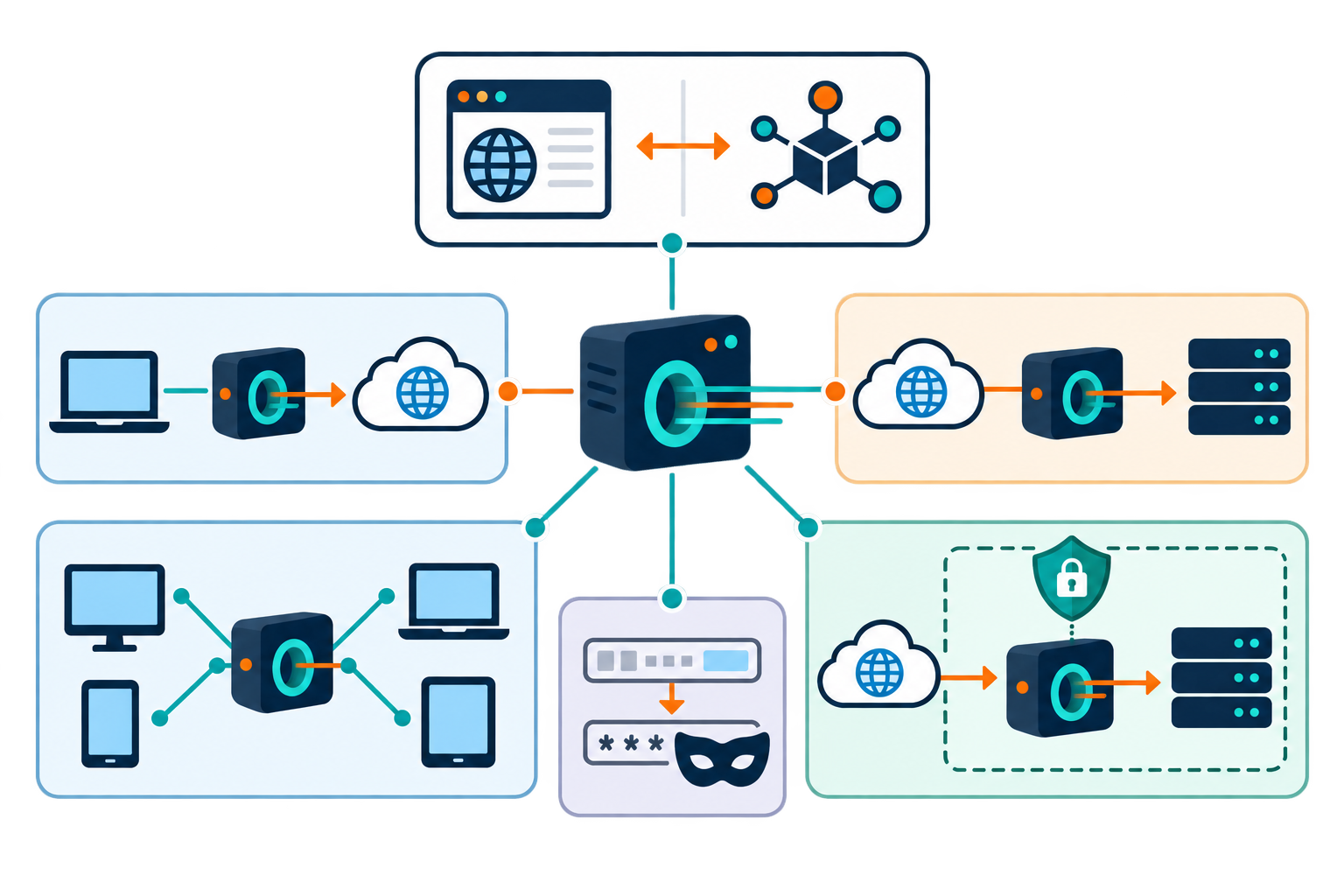
Compare latency, throughput, reliability, geographic coverage, encryption, and price together. Optimizing only for speed can lead to a weak privacy choice or an unreliable route. For a proxy used in one app, check that the application supports the proxy protocol without sending other traffic outside the intended route. For a VPN, check whether its client supports the protocols and servers you need.
A nearby server often provides better response time, but a nearby location may not meet a regional testing goal. A free service can appear inexpensive while imposing queues, data limits, advertisements, or uncertain data practices. Paid service does not automatically mean high quality; review independent tests and refund terms, and run your own checks during the period when cancellation is available.
Compare response time, reliability, download and upload results, and the full subscription cost.
Performance and Cost Comparison
The following is a qualitative comparison. Actual results depend on provider, plan, device, and network conditions.
| Factor | Proxy | VPN | What to test |
|---|---|---|---|
| Latency | May be low for a nearby route | Gateway adds a routing hop | Ping and real-time apps |
| Throughput | Depends on proxy capacity | Depends on server and protocol | Repeated downloads |
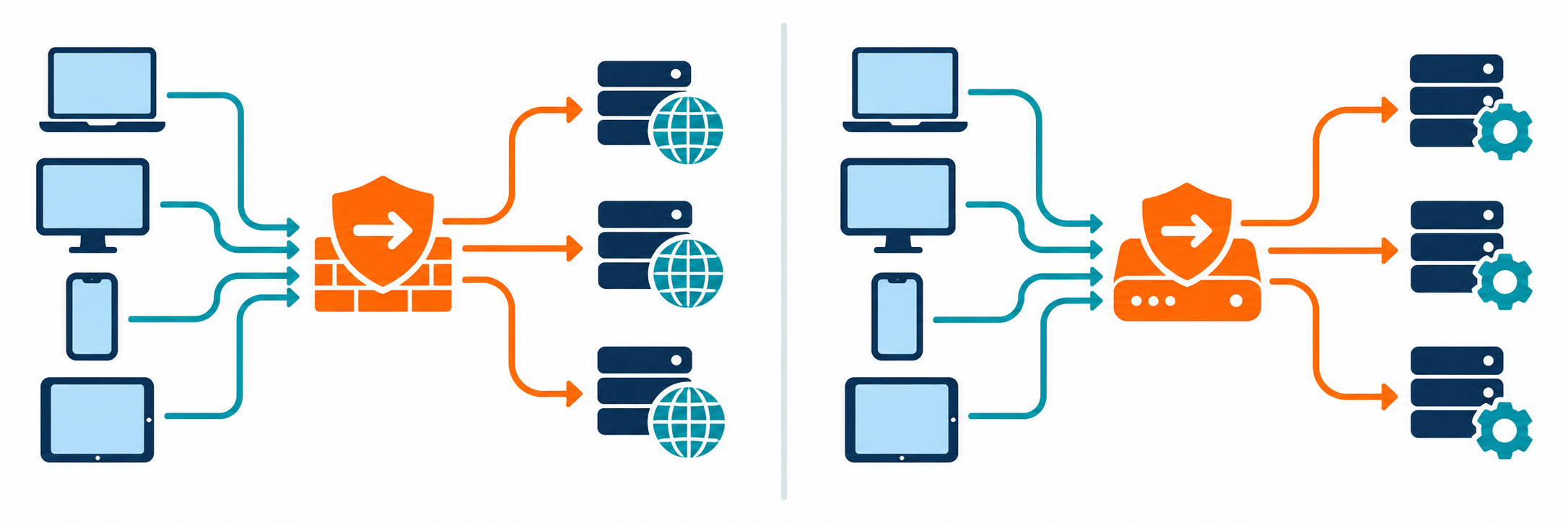
| Coverage | Often one app | Often broader device traffic | Which apps are routed |
| Encryption | Not inherent | Encrypted tunnel is typical | Client configuration |
| Cost | Free and paid options | Often subscription-based | Limits and renewal terms |
How to Measure Speed Fairly
Take a baseline without the intermediary, then test with it enabled using the same device, network, destination, and time window. Repeat several times and compare median latency, download and upload rates, and stability. Test the application that matters: a video call, file transfer, game, or localized website check. Change only one variable at a time, such as gateway location or protocol, so the result is interpretable.
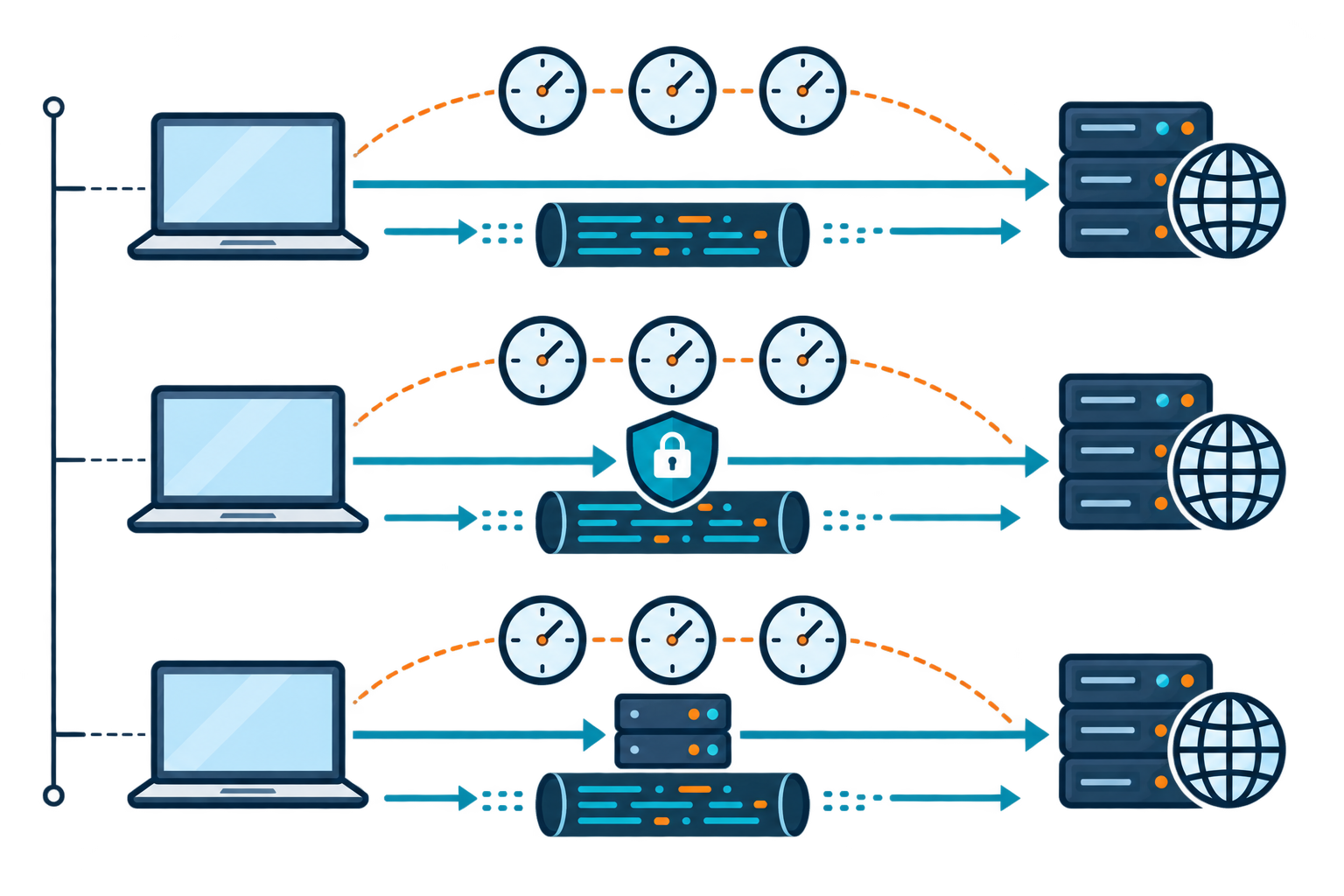
Latency affects how quickly apps respond. Cloudflare’s latency overview explains why delay matters for interactive tasks. Its speed-test explanation notes that test methods and server locations can change the result. A speed-test result may not match your normal traffic. A service may optimize some routes, while your destination or internet provider can impose unrelated limits.
Choose Value, Not a Headline Number
Select a proxy for controlled, app-specific routing when encryption is not the main requirement and the operator is trusted. Select a VPN when broader traffic coverage and tunnel encryption matter, while accepting that the gateway can add delay. Compare total annual cost, data limits, customer support, server locations, and cancellation terms.
Before committing, test the nearest and required locations, verify that the connection remains stable, and check for DNS or IP leaks. Avoid exposing sensitive data to an unknown intermediary just to gain a small speed improvement. The most useful service is the one that meets the workload, security expectations, and budget consistently, not the one with the most impressive single benchmark.
Test the apps you use most, and repeat your measurements before making a decision.
Home Routers, ISP Throttling, and Speed Tests
A VPN router can protect several connected devices at once, including some smart TVs or consoles that do not support VPN apps. This is convenient after setup, but the router must support the VPN service and have enough processing power. The connection is shared among devices, so adding more video streams or downloads can reduce the speed available to each one. A router-level VPN may also be less flexible when you want different devices to use different server locations.
Routers are sold as VPN-compatible models, preconfigured models with VPN software already installed, or ordinary routers that an experienced user can manually update with compatible firmware. Before buying, check provider compatibility, update support, processor capacity, and setup instructions. A basic setup usually involves choosing a compatible service, entering its server and login details in the router, then checking that each device connects as intended.
Not every slow connection is caused by a VPN. Your internet service provider (ISP) may have a slow route, a crowded Wi-Fi network, or a data cap. Some providers also slow certain types of traffic or activity. A VPN may help only when the slowdown is based on traffic the provider can identify; it cannot create bandwidth or remove a data limit, and it may make a weak connection slower.
To test fairly, first run a speed test with the VPN off, then repeat with it on using the same device, network, and test server. Compare download, upload, latency, and stability. If you are troubleshooting, change one thing at a time: try a nearer VPN server, fewer active devices, or a different supported protocol. Repeat the test at different times instead of relying on a single result.
Throttling, Server Coverage, and Choosing a Route
Data throttling and bandwidth throttling are different. A data cap limits how much you can use in a billing period; bandwidth throttling slows a connection, sometimes because a provider is managing congestion or specific traffic. A VPN may make some activity harder for your internet provider to identify, but it cannot create bandwidth, remove a data cap, or stop slowdowns aimed at the VPN connection itself. It may also make a weak connection slower.
Look for servers near you for routine speed, and check that the provider has locations where you need to test or work. Coverage matters more than a long server list if the relevant region has no reliable connection. For streaming or international website checks, results vary: services may block known VPN or proxy addresses. Compare the provider’s trial terms, data limits, server load, and support as well as its advertised speed.
A VPN router adds convenience by protecting compatible devices without installing an app on each one. Routers may be VPN-compatible from the start, sold preconfigured, or manually updated with supported firmware. Before setting it up, confirm compatibility, enter the provider’s instructions, then test a device’s public IP and DNS. More devices share the router’s processing and bandwidth, and changing VPN locations may require changing the router settings.