Quick Summary
- Cloud storage syncs and shares files across devices; it is different from web hosting.
- Compare access controls, collaboration, per-person versus shared capacity, file history, recovery, privacy, compatibility, and export.
- Test uploads, sharing, restores, and exports with a small folder first, and keep a separate backup of critical files.
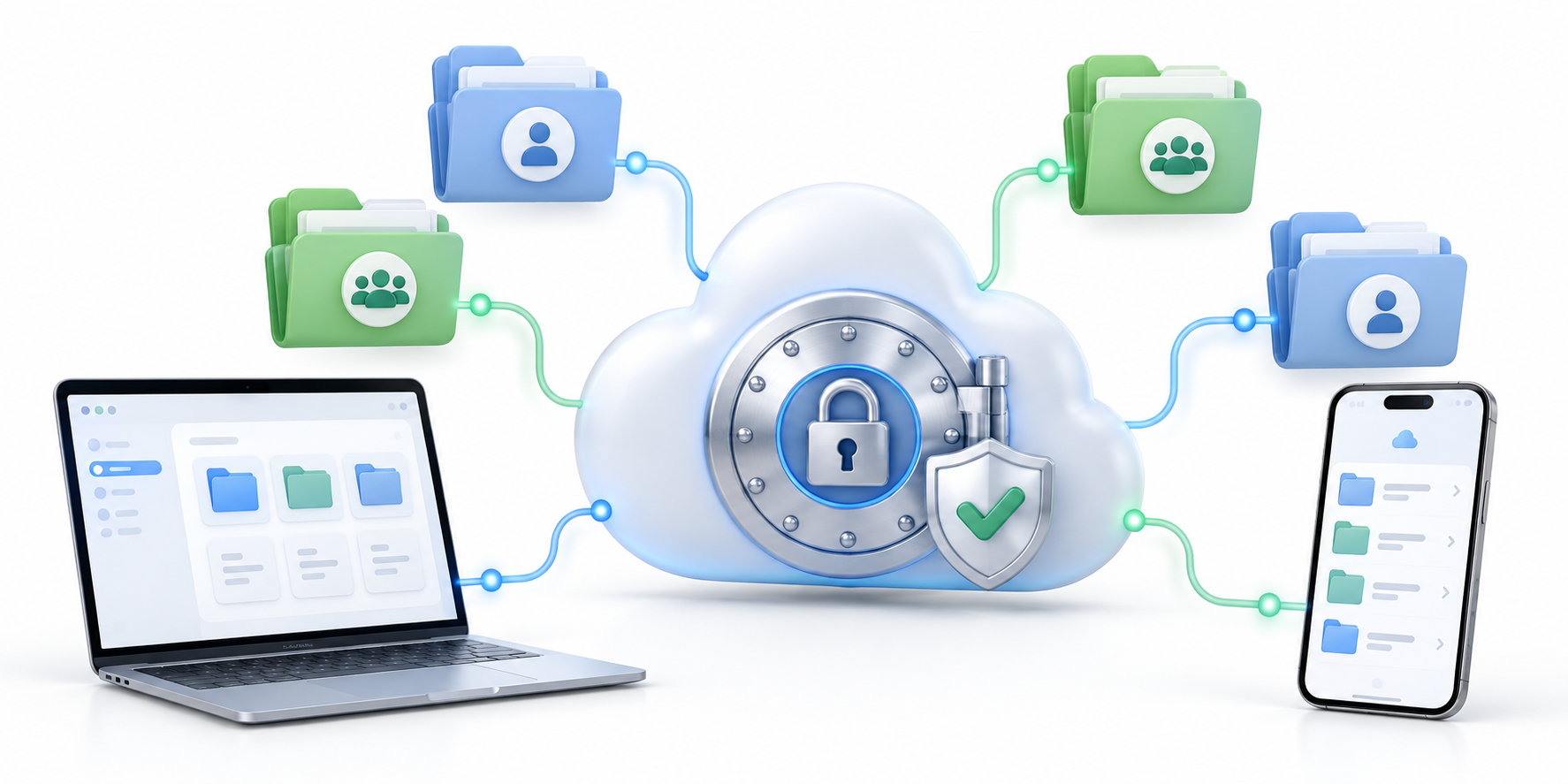
Cloud storage is different from website hosting. It keeps files available across devices and can sync changes, share folders, or support team collaboration. A useful comparison looks beyond capacity to access controls, file history, team workflows, privacy, and how easily you can retrieve your data later.
How to Compare Cloud Storage
Start by listing who needs access, from which devices, and whether people edit the same documents or mainly archive and share files. A personal photo library, a small team workspace, and a business document repository have different requirements for collaboration, permissions, and retention.
The platform should fit existing habits. Consider operating-system support, browser access, mobile apps, desktop sync, shared folders, and how links can be restricted. Test common tasks before migrating a large archive, including upload, search, restore, and sharing with an external collaborator. For a team handling sensitive files, consult cloud security guidance and compare its recommendations with your access and retention rules.
Compare the options without assuming they are alike
This comparison covers Wimi, Box Business, Google One, Sync.com, and Icedrive, but they do not all serve the same user. Some focus on team collaboration; others are aimed mainly at personal storage. Compare plans for the same kind of user, then verify current features before choosing.
Before comparing price, check whether storage is counted per person or shared across the account, plus file-size limits, support, and compatibility with your team’s existing tools. For recovery and privacy, check how long file history lasts and whether only your team or also the provider can unlock stored files.
Some plans reserve “unlimited” storage for higher tiers or offer desktop apps that make cloud files appear like a drive on your computer. Check these features in the exact plan you would buy.
Review privacy and recovery
Check where account security settings are managed, whether multi-factor authentication is available, how shared links can be controlled, and what happens when an employee leaves. Understand provider policies for deleted files, account closure, and data export before putting important records in the service.
Cloud storage is not a complete backup strategy if synced deletions or account compromise affect every copy. Keep a separate backup for critical data, define who owns recovery, and periodically test restoring files. For sensitive business records, review the organization’s security and retention requirements first.
Plan for long-term portability
Before migrating, test the download or export process and record file formats and permissions. Avoid a setup where one person’s account is the only owner of shared business content. Document administrator access, billing, recovery contacts, and how data will be transferred if the organization changes providers.
Compare cost per person as well as storage. Include support, collaboration tools, and the time needed to manage accounts.
Quick Comparison
| Service example | Comparison angle | Check in the current plan |
|---|---|---|
| Wimi | Team workspace and collaboration | Storage per person, minimum paid accounts, team roles, and project tools |
| Box Business | Business content workflows | Which tiers include “unlimited” storage, admin controls, and team sharing |
| Google One | Personal ecosystem fit | Storage limit, family sharing, and device backups |
| Sync.com | Privacy-oriented storage | Who can unlock files, file history, and recovery options |
| Icedrive | Personal cloud storage | Desktop sync, drive-like access, and file export |
Frequently Asked Questions
Is cloud storage the same as web hosting?
No. Cloud storage stores and syncs files; web hosting serves a website to visitors.
Should teams rely on one provider as their only backup?
Not for critical files. Keep a separate recovery copy and test restores.
What should I compare first?
Access controls, sharing, version history, recovery, compatibility, and total cost.
Test Before Moving the Archive
Start with a small folder and a few teammates. Move the archive only after sharing, restoring, and exporting files all work as expected. Keep a separate backup of critical files.
Read More News
More cloud-storage and productivity guides: HYPETRENDER.