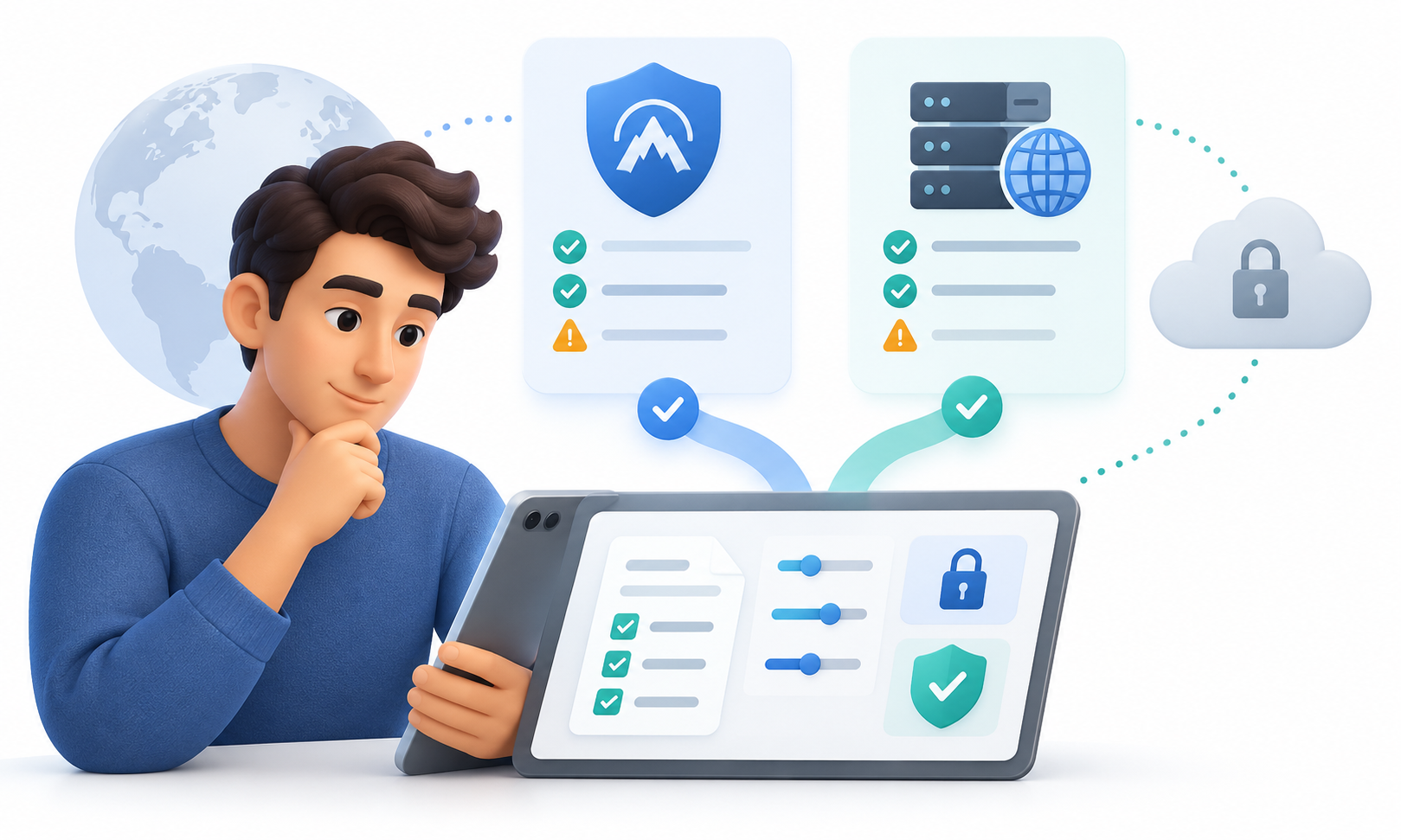
Check privacy, app permissions, and provider transparency before using a free VPN or proxy.
Free VPN proxy risks include unclear data collection, unexpected app permissions, ads, and unreliable security. Free access can still be useful, and a zero-price plan is not automatically unsafe. Before trusting a service with browsing or account activity, understand how it works, what it can see, and how the provider pays to run it.
Why a Free Service May Have Hidden Costs
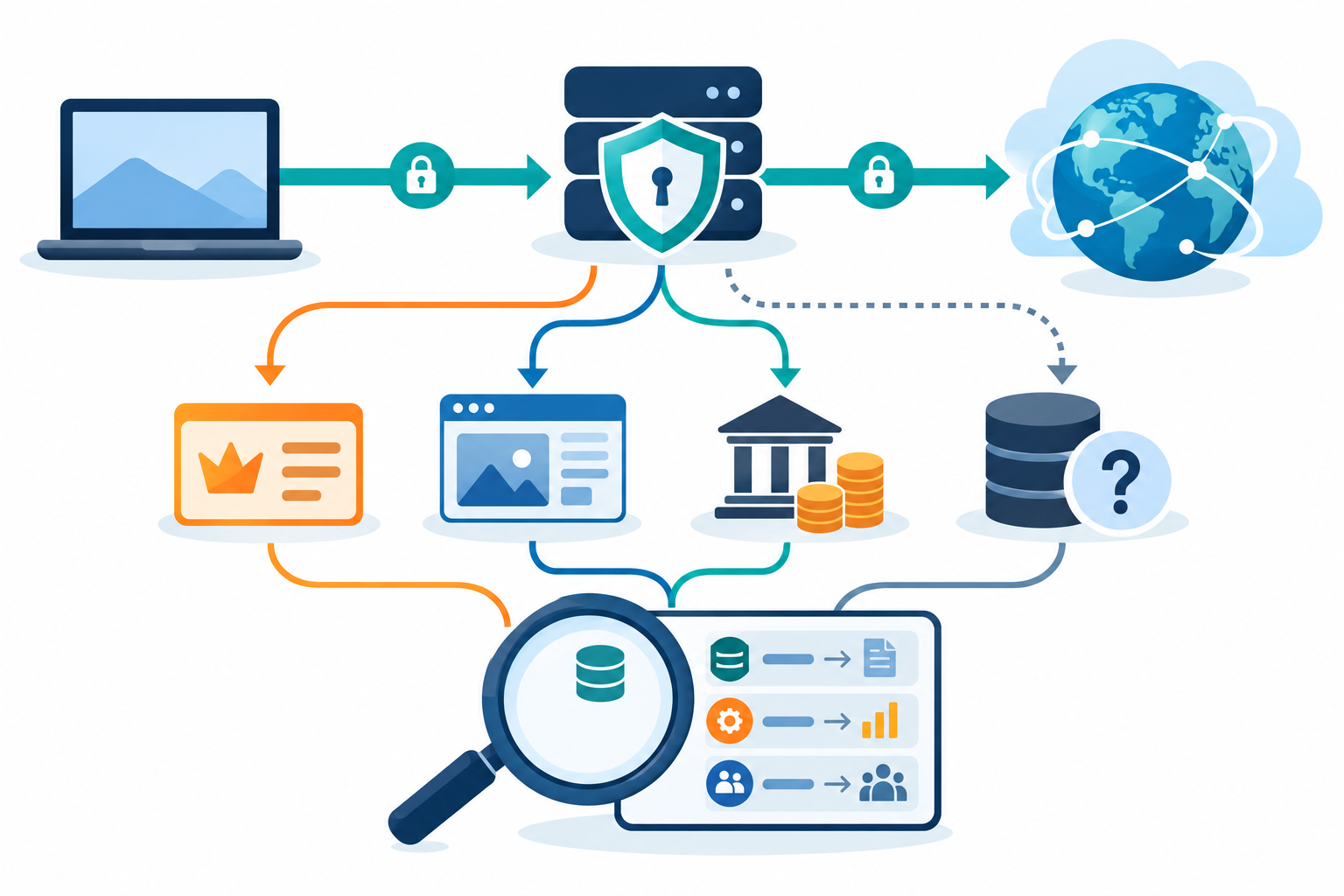
Operating servers, support, and software requires resources. A provider may fund the service through a limited paid tier, advertising, sponsorship, or data-related practices. The important question is what information is collected, how it is used, who receives it, and how long it is retained. If those answers are vague, treat the privacy promise cautiously.
A proxy or VPN sits between your device and a website. Depending on how it works, it may see which sites you contact and some unencrypted data. HTTPS protects the page content sent to a secure site, but it does not prove that the VPN or proxy is trustworthy. If the service disconnects, some apps may go back to using your regular connection.
Focus on two questions: what can the operator see, and how does the company pay to run the service?
Seven Checks Before You Install
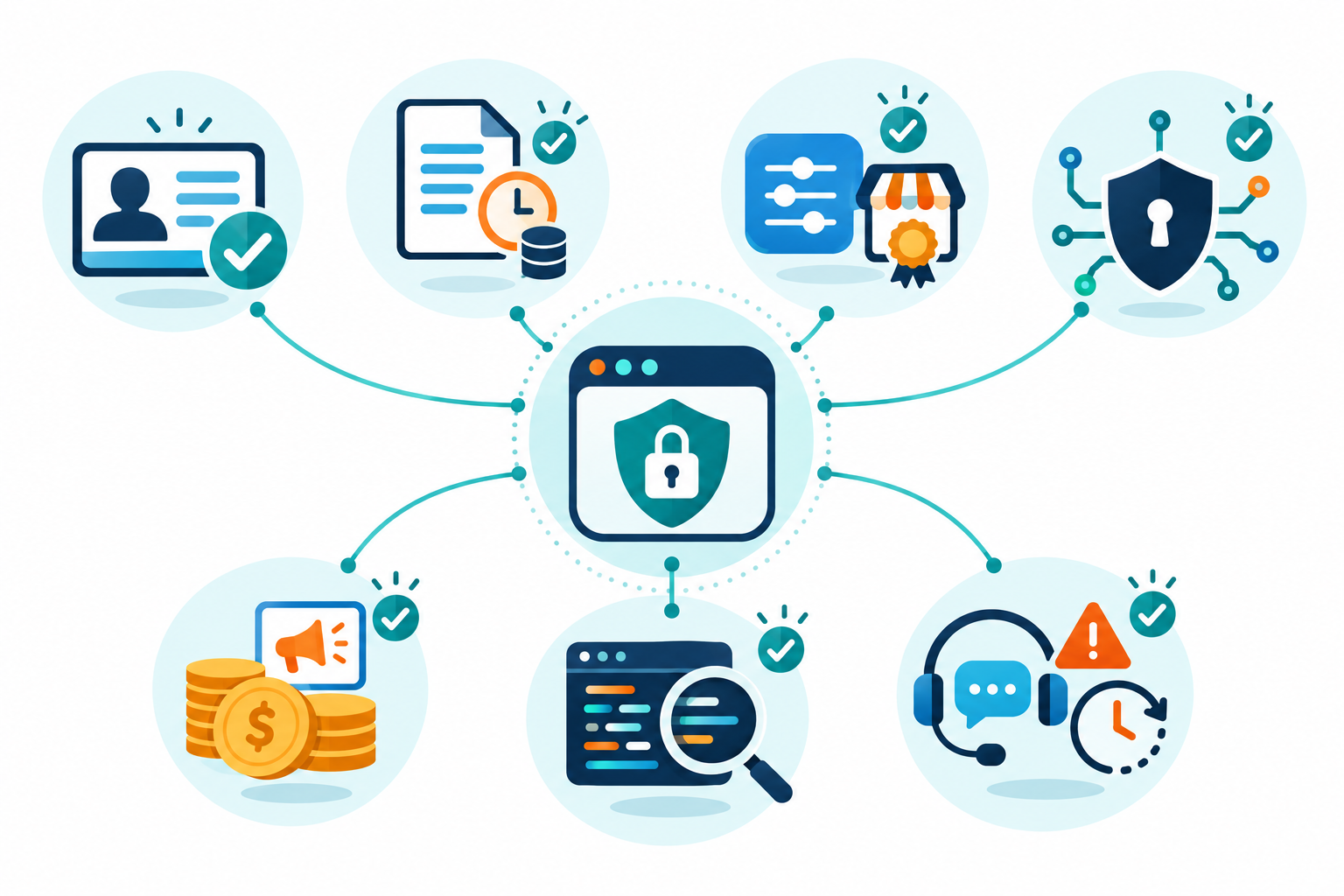
Review the provider’s ownership, privacy policy, permissions, encryption and protocol documentation, advertising model, data limits, and support or incident history. Search for independent technical assessments rather than treating app-store ratings as a security audit. Check whether the company identifies a real operator and gives a clear way to report security issues.
Quick Summary
- Free VPN proxy risks depend on the provider’s business model: a free plan may be funded by upgrades, ads, sponsorship, or data-related practices, so check what pays for it.
- Before installing, check ownership, logging and retention, app permissions, encryption details, data limits, support, and incident history. Unrelated permissions or vague policies are warning signs.
- Risks include tracking, intrusive ads, weak security, malware, crowded servers, and limited speeds or locations. A proxy or VPN may see connection details and unencrypted data; HTTPS does not prove the operator is trustworthy.
- Prefer verified apps and independent security evidence over app-store ratings or promises like ‘100% anonymous.’ Check what happens if the service disconnects and whether traffic could go direct.
- A 2016 study of 283 Android VPN apps found tracking libraries in 75% and at least one malware flag in 38%; it describes that sample at that time, not today’s whole market.
- A free service is not automatically unsafe, but keep it to low-risk use unless its practices are clear. For work, banking, or sensitive messages, use an approved or well-vetted option with strong account security.
Pay close attention to permissions. A routing app may need network-related access, but unrelated access to contacts, accessibility services, or files should have a clear explanation. Avoid sideloaded clients from unofficial sources. Install updates from the verified publisher and remove an app if its behavior changes unexpectedly.
Use these checks before installing an app or sending your traffic through a shared server.
Free VPN and Proxy Risk Checklist
Use this table to decide whether to continue evaluating a free service. One serious red flag can outweigh a generous data allowance.
| Check | Warning sign | Safer approach |
|---|---|---|
| Logging | Policy is missing or vague | Look for specific retention details |
| Ownership | Operator cannot be identified | Prefer transparent company details |
| Permissions | Access exceeds the stated function | Use official, least-privilege apps |
| Security | No protocol or encryption information | Find technical documentation |
| Business model | Unexpected ads or tracking | Understand funding and data sharing |
| Connection drop | Traffic resumes outside the tunnel | Test a kill switch and leak protection |
How to Evaluate Privacy Claims
A policy should explain what the service collects, why it is needed, how long it is retained, and whether data is shared. Look for a product-specific description rather than generic legal language. The FTC’s guidance on VPN apps tells consumers to check an app’s permissions, confirm whether it encrypts traffic, and review data-sharing practices. It does not certify any VPN or proxy.
Be skeptical of absolute claims such as “100% anonymous” or “unhackable.” A provider can still face account compromise, infrastructure vulnerabilities, legal obligations, or operational mistakes. Independent assessments and transparent incident reporting offer more useful evidence than a marketing badge, but they are snapshots and do not guarantee future conduct.
A Safer Way to Choose
If you only need occasional low-risk routing, compare the free plan’s limits and data practices with a reputable paid option. For banking, business systems, or sensitive communications, do not rely on an unknown free proxy or VPN. Use the organization’s approved access method, HTTPS, multifactor authentication, and current device software.
Check which apps the service covers and what happens if it disconnects. Learn who runs it, what data it keeps, and how the company earns money. A free plan is not automatically unsafe, but reconsider it if the company, privacy policy, or app permissions change.
Free VPN Proxy Risks: Warning Signs
Free services can be funded by a limited free tier that encourages paid upgrades, advertising, sponsorship, or data-related practices. Before using one, find out what it collects, why it needs each permission, how long it keeps records, and whether it shares data with advertisers or other companies. If the operator is hard to identify or the privacy policy is vague, do not route sensitive traffic through it.
Free VPN apps may have fewer servers, lower data allowances, slower speeds, or more crowded connections than paid plans. Some may include third-party tracking or intrusive ads; an untrustworthy app may even put malware on a device. Public proxies can be especially risky because anyone may run them, and users may have little way to check how traffic is handled. Never assume that “free” means safe, or that an app-store rating is a security review.
A 2016 study of 283 Android VPN apps reported third-party tracking libraries in 75% of the apps and at least one VirusTotal malware flag in 38%. Only 4% met the study’s stricter threshold of five or more antivirus detections. These results describe the apps tested at that time, not today’s whole market; read the original CSIRO-led study before treating the figures as current.
Free access may also come with data caps, ads, limited locations, blocked sites, or time limits. Compare those limits with what you actually need. For banking, work systems, or sensitive messages, use an organization-approved connection or a provider with transparent, verifiable practices rather than an unknown free proxy.