
Tag: Family Security

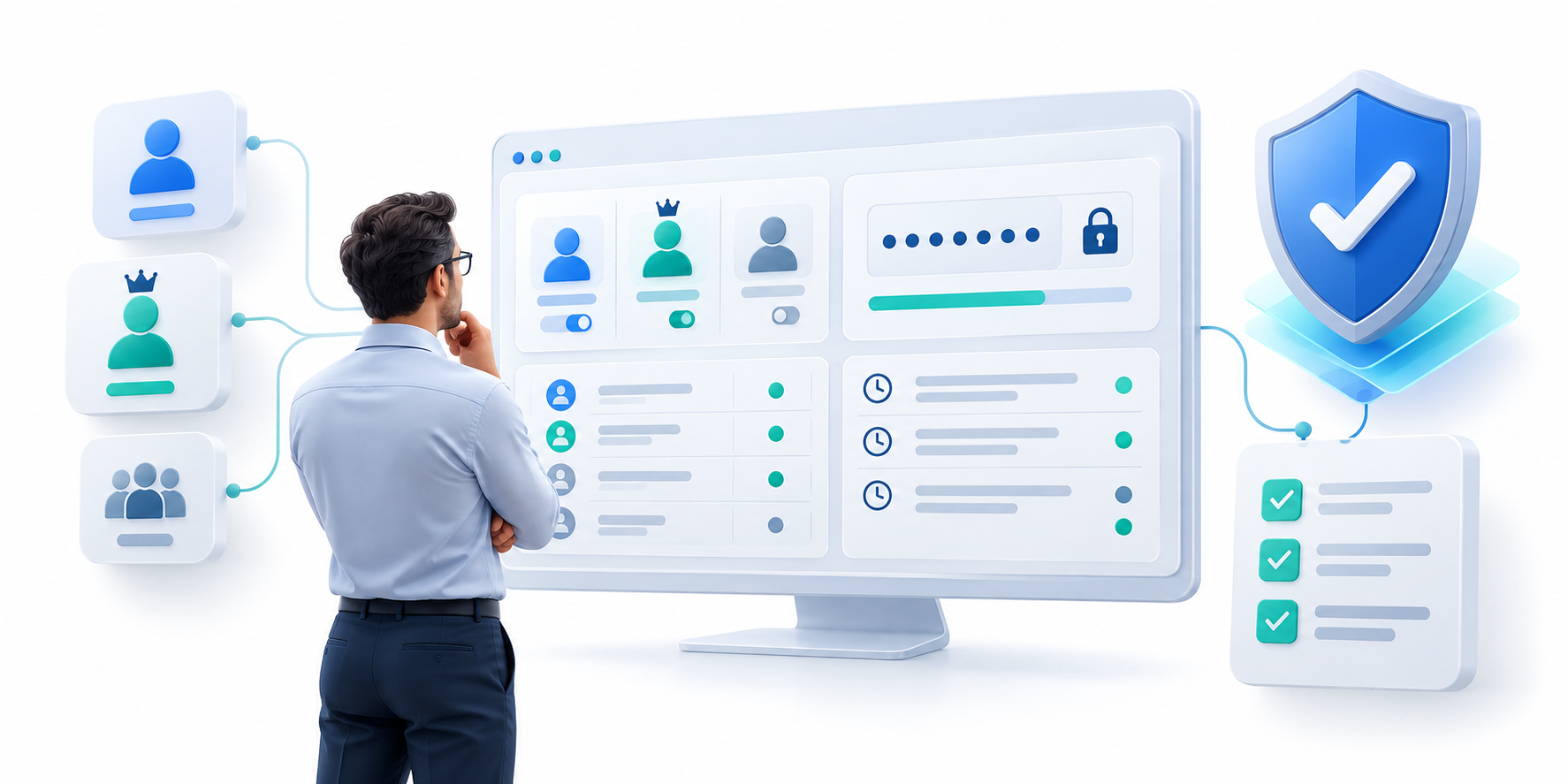
  • Password Sharing: Safer Access for Families and Teams

    Password Sharing: Safer Access for Families and Teams

    Quick Summary

    • Use separate accounts or delegated access when possible; it is easier to see who did what and remove one person later.
    • If sharing is necessary, share only the specific vault item people need, not your master password or entire vault.
    • Review access, remove people who no longer need it, and update shared passwords when someone may still know them.

    This article explains the trade-offs behind password sharing and offers practical steps for choosing a setup. Each technical term is explained in everyday language, with examples you can apply to your own devices, family, or team.

    Questions to Compare

    Decision area What to verify Why it matters
    Individual or delegated access Prefer separate user accounts when the service supports them. Individual activity is easier to identify and remove.
    Shared vault item Share only the needed credential with named users. The rest of a person’s private vault stays private.
    Leaving or changing roles Revoke access, review logs, and rotate shared secrets when appropriate. Old access should not silently continue.

    Why informal sharing creates risk

    People often share household or work logins through text messages, email, or spreadsheets. Those copies can persist after a password changes, a device is lost, or a person leaves. Password sharing is safer when the credentials stay in a managed vault and access can be limited to the right people. The goal is not simply to move secrets into an app; it is to make permissions and revocation clear.

    First ask whether you need to share a password at all. If a service lets each person have an individual account or delegated access, that is usually easier to track and revoke. A shared login hides which person performed an action and makes password changes disruptive. Public-sector guidance discourages sharing between people, while recognizing that a managed vault can reduce risk when an organization cannot yet use a better alternative.

    Set up household sharing deliberately

    Families may share utilities, streaming services, or emergency information while keeping personal banking and work credentials private. Look for individual accounts, shared collections, and the ability to remove one member without resetting every login. Agree who owns each shared account, what happens when someone changes devices, and how an adult can recover access if the family organizer is unavailable.

    When sharing is necessary, share only the specific entry or collection needed, not your master password or the entire personal vault. “Least privilege” means giving a person only the access needed for their task, for only as long as needed. Check whether the manager distinguishes private and shared items, shows who accessed a shared credential, and synchronizes a password change to everyone who is allowed to use it.

    Use least privilege for teams

    A team should grant access by role and project, not by copying an entire vault to everyone. Separate personal and company records, restrict administrator privileges, and review membership when responsibilities change. Service accounts need a named owner and a rotation plan. When a colleague leaves, revoke access promptly and update credentials that person could have viewed or exported.

    A secure sharing workflow needs an exit plan. Remove access when a family member changes roles or a teammate leaves, review who still has access, and change a shared account’s password when the departing person may still know it. A one-time link or time-limited share can be useful when offered, but check whether the recipient can copy, save, or forward the secret before relying on the setting.

    Check the details before adopting a tool

    Ask whether shared items can be viewed, edited, copied, or exported; whether access can expire; and whether the audit log records changes. Compare the sharing limits on individual, family, and business plans. Teach users to verify domains before autofilling a shared login. A tool is only helpful if the safe process is easier than sending a password in chat.

    Family and business plans solve different problems. A family plan may focus on a small group and shared household logins; a team plan may add groups, admin controls, access logs, and account removal. Compare seat counts, roles, and revocation behavior rather than assuming that “secure sharing” means every plan has the same controls.

    Create a small sharing policy

    Write down what may be shared, who approves access, and how to remove it. Use separate collections for household and work credentials, review membership regularly, and test the offboarding process before a real departure. The NCSC buyer’s guide covers manager features worth checking. Read more practical technology coverage at HYPETRENDER.

    Example: housemates may share a utility login but should not see one another’s banking passwords. Put only the utility entry in a shared collection, give each person their own vault account, and remove a former housemate when they move out. At work, use a named account for each employee whenever the service supports it.

    Key Terms in Plain English

    Least privilege
    Give each person only the access they need for the task, not access to everything.
    Shared collection
    A selected group of vault entries that approved people can use together.
    Revocation
    Removing someone’s access; for a shared password, also consider changing the password itself.
    Audit log
    A record of events such as who accessed a shared item and when.

    Practical Checklist

    • Use separate accounts or delegated permissions when available.
    • Share only selected entries and review access regularly.
    • Remove access promptly and update shared passwords when necessary.

    Keep the decision proportional to your needs. Test the workflow before relying on it, and revisit it when your devices, household, or organization changes.

    For neutral guidance, consult the NCSC password manager buyer’s guide. For more practical technology coverage, visit HYPETRENDER.
  • Password Manager Pricing: How to Compare Real Costs

    Password Manager Pricing: How to Compare Real Costs

    Quick Summary

    • Compare the full bill: user count, billing term, taxes, minimum seats, add-ons, and the price after a promotion ends.
    • Check free-plan limits on devices, syncing, sharing, support, and security features instead of relying on the word “free.”
    • Choose by the features you will actually use; review rankings differ because they test and value different needs.

    This article explains the trade-offs behind password manager pricing and offers practical steps for choosing a setup. Each technical term is explained in everyday language, with examples you can apply to your own devices, family, or team.

    Questions to Compare

    Decision area What to verify Why it matters
    Total bill Multiply price per user by seats and billing period; add tax and required add-ons. A low per-user figure can become costly at scale.
    Free-plan limits Check devices, sharing, sync, support, and security features. “Free” may not cover the workflow you actually need.
    Renewal and commitment Compare upfront charge, term length, and renewal after discounts. Monthly-equivalent prices can hide an annual or multi-year commitment.
    Review evidence Check testing method, category, date, and disclosure. Different reviewers may reasonably choose different winners.

    Compare total cost, not the headline price

    Password manager pricing can vary by billing period, user count, and included features. A low introductory rate may change at renewal, while a free tier may limit devices, sharing, or support. Compare the total cost over a year and note whether prices are per user, per family, or per organization. Check taxes, trial length, cancellation terms, and how billing changes when seats are added.

    Compare the amount you will actually pay, not just the small monthly equivalent on a plan card. A per-seat price is multiplied by the number of people, then by the billing period. For example, a hypothetical $4 per user per month plan for 10 people, billed annually, costs $480 before tax for the year. A multi-year discount may lower the displayed monthly figure but requires a larger upfront payment.

    Match the plan to the people using it

    An individual may need a secure vault, reliable sync, and MFA. A household may benefit from separate accounts and shared collections. A business may need centralized administration, role-based permissions, audit logs, and offboarding controls. Do not pay for enterprise features if nobody will manage them, but do not choose a consumer tier that leaves a team sharing credentials informally.

    Check whether the displayed price is introductory, annual-billed, or tied to a two-year commitment, and compare it with the renewal price. Add tax, minimum seat counts, extra storage, premium support, and any features that require a higher tier. “Cancel anytime” and “monthly price” are not the same as paying month to month if the full year is charged upfront.

    Identify what is included and what is extra

    Read plan details for device limits, secure sharing, emergency access, storage, breach alerts, passkeys, and family or team seats. Some features may appear in multiple tiers with different limits. Test the workflows you care about during a trial, including adding a device, recovering access, exporting data, and removing a user. A clear comparison makes password manager pricing easier to evaluate than a feature-count contest.

    Read the free-plan limits line by line: number of devices, whether sync works on both phone and computer, how many people can share, and whether recovery, breach alerts, or security reports are included. A plan with unlimited stored passwords can still restrict active devices or sharing. Verify the feature you need rather than relying on the word “free.”

    Consider switching and exit costs

    A plan is not a good value if leaving it would be difficult. Check whether vault export is available, what format it uses, and whether the export is encrypted. Test an import into a safe environment before you depend on the tool. Also consider the time needed to onboard family or staff and the cost of administering access. These practical costs belong in the comparison.

    Review rankings are not a single scientific league table. In the comparisons you opened, different outlets selected different overall winners because they weighted beginner usability, free access, family sharing, business controls, privacy, and testing methods differently. User-review scores also reflect satisfaction and sample size, not an independent security test. Treat a rating as one clue, and read the test criteria and disclosures.

    Use a simple decision worksheet

    List user count, devices, sharing needs, recovery requirements, and administrative controls. Mark each feature as essential or optional, then compare renewal cost for two or three plans. Recheck current prices on the vendor’s own page before purchasing. For a neutral feature checklist, see the NCSC buyer’s guide. Find further software advice on HYPETRENDER.

    Example: a student may save money with a free individual plan, while a family may need a paid tier because several people need shared access. A small organization may pay more for user removal, audit logs, single sign-on, or automated account provisioning. Compare the total for the people and controls you need, then check the renewal and export path before committing.

    Key Terms in Plain English

    Per-seat pricing
    The fee is charged for each person who uses the service.
    Annual billing
    You pay for a year at once, even if the site shows an equivalent monthly amount.
    Renewal price
    What the subscription costs after a trial or introductory discount ends.
    Total cost of ownership
    The full cost over time, including users, taxes, add-ons, and the work needed to manage the tool.

    Practical Checklist

    • Calculate the annual total for the real number of users.
    • Compare introductory and renewal pricing, taxes, and minimum seats.
    • Test device, sharing, recovery, and export limits before paying.

    Keep the decision proportional to your needs. Test the workflow before relying on it, and revisit it when your devices, household, or organization changes.

    For neutral guidance, consult the NCSC password manager buyer’s guide. For more practical technology coverage, visit HYPETRENDER.